
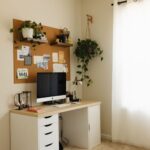

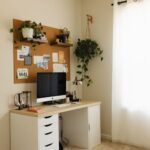





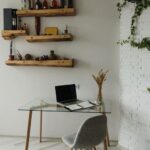
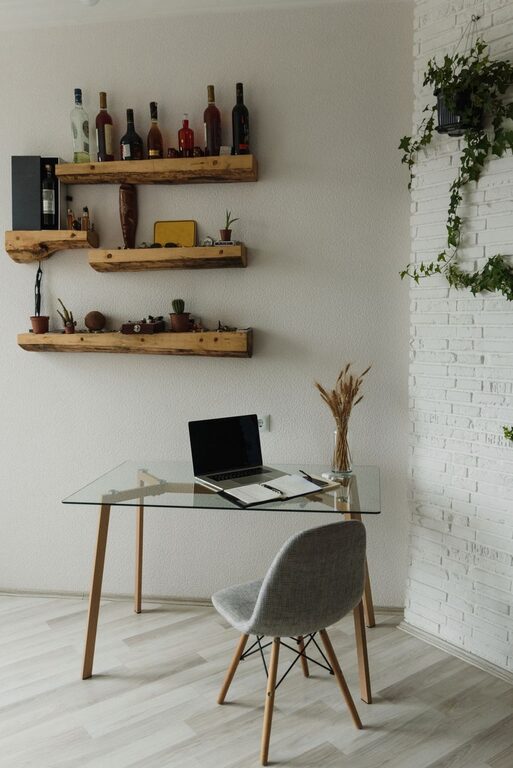
Creating a home office that balances comfort and functionality can greatly enhance your productivity and well-being. Whether you work remotely, run a home business, or need a quiet spot for personal projects, a well-designed workspace makes all the difference. Here are some practical tips to help you create a cozy and functional home office space.
Choose the Right Location
Selecting the perfect spot for your home office is the first step. Ideally, your workspace should be in a quiet area with minimal distractions. If possible, choose a room or corner with natural light to boost your mood and reduce eye strain. Avoid high-traffic zones in your home to maintain focus throughout the day.
Consider Your Needs
– Amount of space required
– Need for storage or filing
– Proximity to power outlets and internet access
– Noise levels
Invest in Comfortable and Supportive Furniture
Comfort is key when working for extended periods. A good chair and desk can prevent posture-related issues and keep you focused.
Chair
Choose an ergonomic chair with adjustable height, lumbar support, and comfortable cushioning. If space or budget is limited, you can add a supportive cushion to your current chair.
Desk
Opt for a desk at the right height to promote good posture. Consider a sit-stand desk if you want flexibility, allowing you to alternate between sitting and standing during the day.
Optimize Lighting for Comfort
Proper lighting reduces eye strain and creates a welcoming atmosphere.
– Use a mix of natural and artificial light.
– Position your desk near a window if possible.
– Add adjustable desk lamps with warm light for focused tasks.
– Avoid harsh overhead lighting or glare on your screen.
Personalize to Enhance Comfort
Adding personal touches creates a cozy atmosphere and makes your office inviting.
– Use soft textiles like area rugs, cushions, or curtains.
– Decorate with artwork, photos, or plants.
– Choose calming colors like soft blues, greens, or neutrals to create a peaceful environment.
Organize for Efficiency
Clutter can hinder productivity, so organizing your space is essential.
– Use shelves, filing cabinets, or storage baskets to keep items tidy.
– Keep frequently used materials within arm’s reach.
– Use cable organizers to prevent tangled cords.
– Maintain a clean workspace by tidying at the end of each day.
Incorporate Technology Wisely
Having the right technology setup supports smooth work processes.
– Ensure your internet connection is reliable and fast.
– Invest in quality peripherals like a mouse, keyboard, and headset.
– Use a monitor at eye level to prevent neck strain.
– Consider a docking station if you use a laptop to connect multiple devices easily.
Manage Noise and Distractions
Minimizing distractions helps you stay focused and productive.
– Use noise-cancelling headphones if needed.
– Add rugs or curtains to absorb sound.
– Set clear boundaries with family or housemates about your working hours.
Maintain Work-Life Balance
Even at home, it’s important to separate work and personal life.
– Set a defined start and end time for your workday.
– Take regular breaks to stretch and rest your eyes.
– Keep your workspace dedicated to work activities only.
Keep Improving the Space
Your needs may change over time, so periodically reassess your home office setup.
– Adjust furniture layout for better flow or comfort.
– Upgrade equipment or add new organizational tools.
– Update decor to keep your space inspiring.
—
Creating a home office that feels both cozy and functional doesn’t have to be overwhelming. By considering your specific needs, investing in comfort, organizing efficiently, and personalizing your space, you’ll build a productive area where work feels enjoyable. Start small, and make improvements over time to craft an office that truly supports your best work.